Why You Should Send Rejected Meta Ads for Review Instead of Deleting Them
2 min read
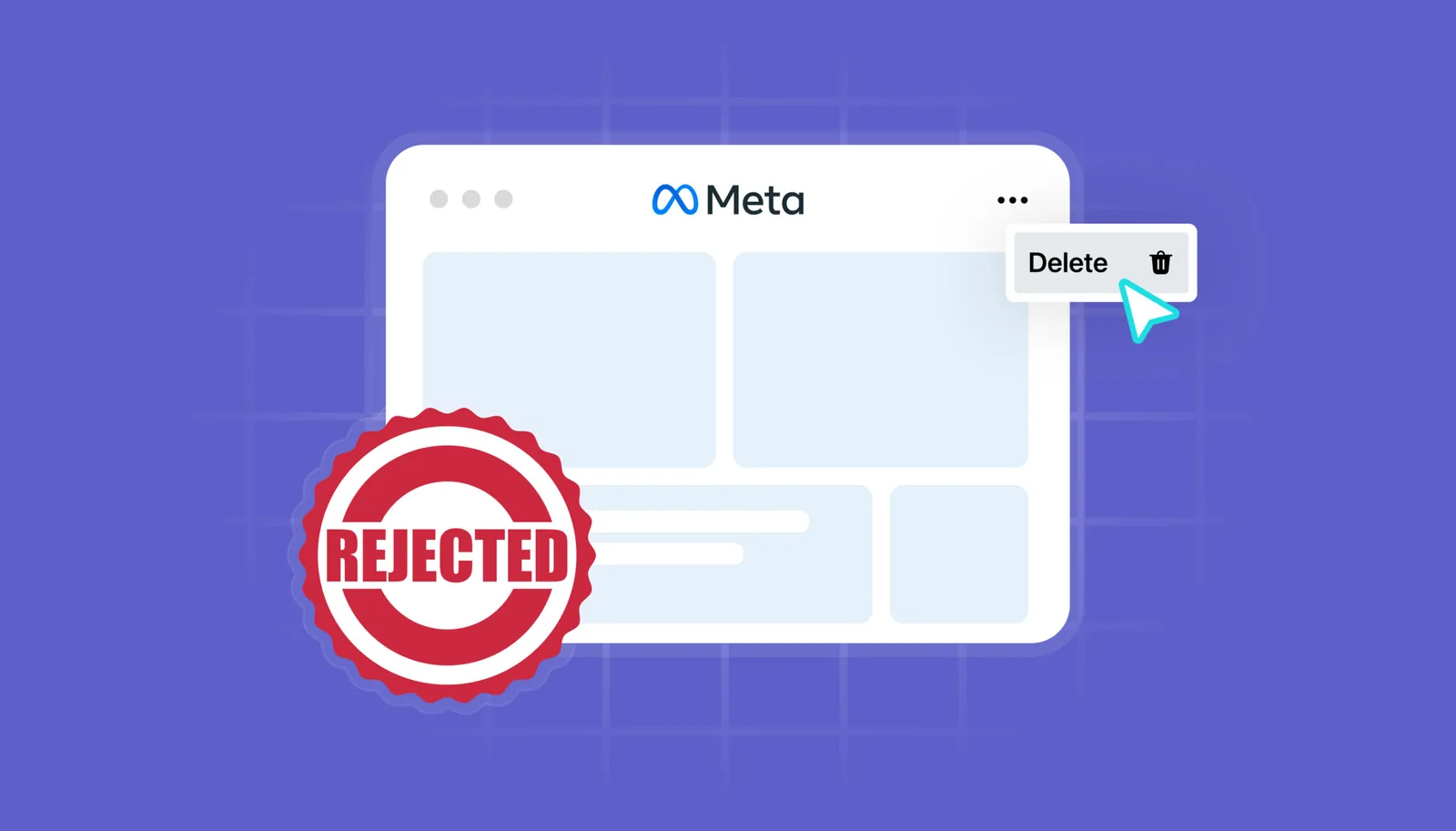
If you’re managing Meta ads in 2026 and your first instinct is to delete every rejected creative, stop right there. You’re likely hurting your long-term account health and missing a crucial recovery opportunity.
Meta’s review process has evolved. And in this post, we’ll show you:
- Why sending rejected ads to review is a strategic move
- How reviews impact your account trust score
- What to fix before resubmitting
Let’s make sure you’re not getting penalized silently, and missing impressions you deserve.
Understanding Meta’s Ad Review System in 2026
Every ad on Meta (Facebook + Instagram) goes through a combination of automated and manual review. If it violates a policy – even mistakenly – it may be rejected.
However, deletion ≠ resolution.
Meta treats unchallenged rejections as silent agreement. The system assumes the violation was valid. This affects your:
- Advertiser trust score
- Future ad delivery rate
- Appeal eligibility for more serious enforcement (like ad account bans)
Why Resubmitting Is Better Than Deleting
1. Protect Your Account Reputation
Sending an ad for review is a signal that you:
- Intend to follow policy
- Disagree with the rejection
- Want human review (vs. algorithm-only judgement)
This improves your advertiser profile.
2. Recover Misclassified Ads
Many rejections are wrong. Especially around:
- Before/after images
- Medical & beauty claims
- Financial offers
- Use of celebrity likeness (real or AI-generated)
Resubmitting helps recover performance-ready creatives that were wrongly flagged.
What to Fix Before You Resubmit
If you’re resubmitting, don’t just hit the button blindly. Review these checkpoints:
- ✅ Remove any restricted words (e.g. “guarantee”, “cure”)
- ✅ Add disclaimers or clarification text
- ✅ Blur or mask sensitive visuals
- ✅ Update landing page if it violates Meta’s policy (speed, content, claims)
Bonus tip: If the rejection reason is unclear, try duplicating the ad and changing one element at a time to isolate the issue
Key Takeaways
- Deleting rejected Meta ads without appeal can hurt your trust score
- Resubmitting shows intent, protects your ad history, and may recover wrongly flagged creatives
Keep reading
All posts


This is the part
we actually fix.
360 degree marketing management, solutions tailored to you at every level. Just tell us what you need.
- Autonomous marketing
- Creative agent