Campaign Role Automation Playbook: Templates, Rules & Troubleshooting
3 min read

Campaign Role Automation is one of the simplest, most powerful ways to bring clarity, automation, and efficiency to your Meta and cross-channel advertising efforts. Instead of treating all campaigns the same, you assign each a role – Prospecting, Retargeting, Testing, Loyalty – and build rule logic that supports its objective.
In this guide, we’ll walk through how to implement campaign role automation, provide plug-and-play rule templates, and troubleshoot common issues that performance marketers face when scaling.
What Is Campaign Role Automation?
Campaign Role Automation is the practice of assigning a “job” to each campaign and applying automation rules that match its purpose.
For example:
A Prospecting campaign is meant to find new customers – it needs scale rules, not frequency caps.
A Retargeting campaign should re-engage warm audiences – it needs CTR and frequency protection.
A Creative Testing campaign needs cost control and engagement-based rules.
A Loyalty campaign needs efficiency safeguards and tailored offers.
This approach helps you move away from one-size-fits-all bidding, budgeting, and creative logic -and toward a modular, scalable structure.
Core Campaign Roles & Their Automation Needs
Prospecting (Cold Traffic Acquisition)
Goal: Discover new customers
Metrics to watch: ROAS, CTR, CPA
Rules to apply:
Scale budgets if ROAS is strong
Pause low-performing audiences
Protect high-CTR creatives from early cuts
Retargeting (Warm / Mid-Funnel)
Goal: Re-engage visitors and non-converters
Metrics: Frequency, engagement, conversion rate
Rules:
- Cap frequency to avoid ad fatigue
- Pause segments with low engagement
- Schedule message rotation every 7–10 days
Creative Testing
Goal: Find winning hooks, visuals, and formats
Metrics: CTR, thumb stop rate, conversions
Rules:
Cap spend on new creatives (e.g. $25–50)
Pause creatives with < 0.75% CTR
Promote top performers into Prospecting
Loyalty / Re-engagement
Goal: Win back high-value or dormant users
Metrics: CPA, LTV, purchase frequency
Rules:
Reduce budget if CPA exceeds target
Exclude recent converters automatically
Pause offers after saturation window
Budget Scaling Engine
Goal: Automatically scale what works
Rules:
Increase budgets for 3-day ROAS > 3
Pause underperformers with no conversions
Reallocate unused spend to top campaigns
Role-Based Rule Templates (Plug & Play)
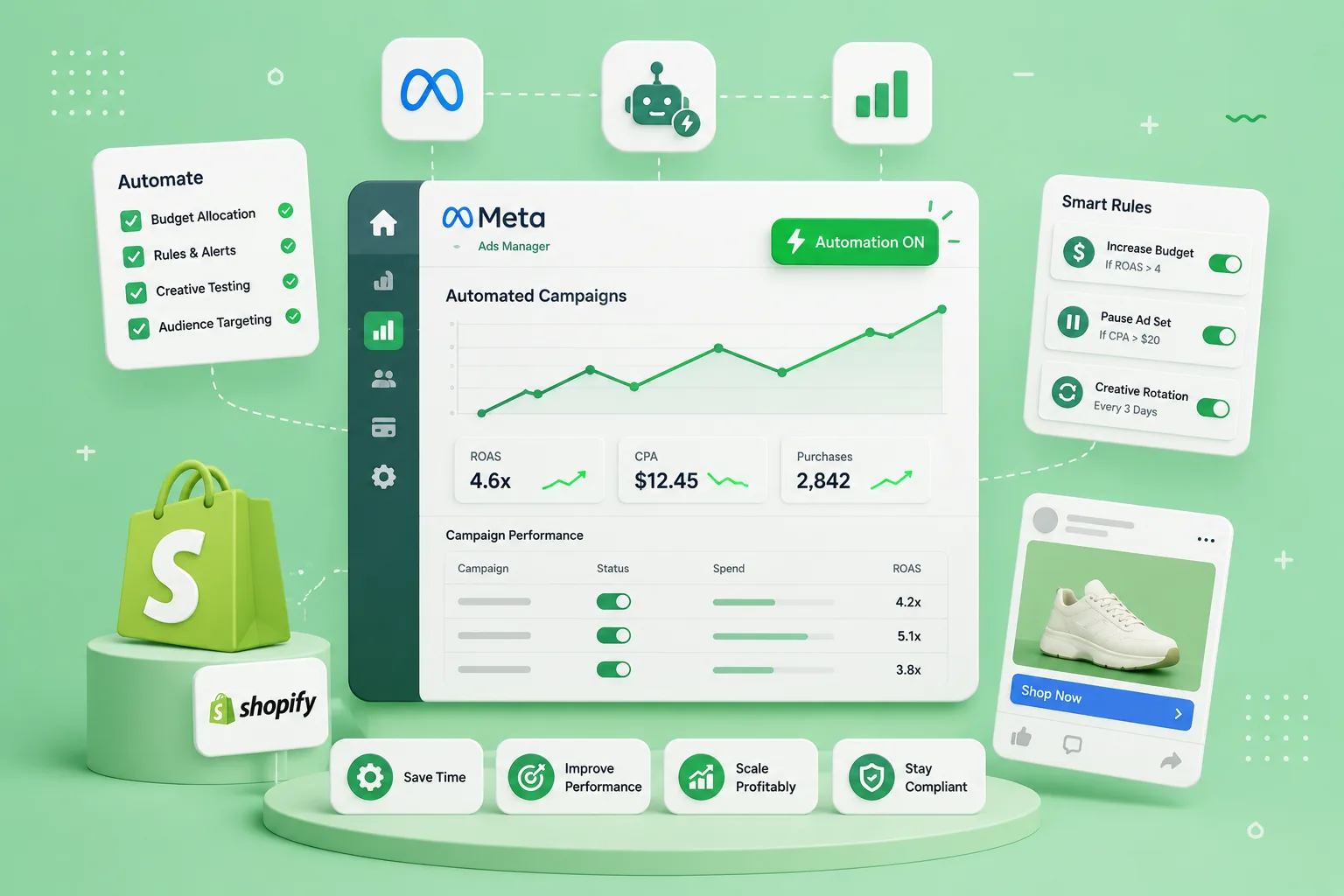
Here are example rules you can use inside tools like Rockads:
🧲 Prospecting Rule
IF ROAS > 3 for 3 days → Increase budget by 20%🧪 Creative Test Rule
IF Spend > $25 AND CTR < 0.75% → Pause ad set🔁 Retargeting Frequency Rule
IF Frequency > 4 AND ROAS < 1.5 → Pause for 48h💎 Loyalty CPA Rule
IF CPA > $25 → Reduce budget by 15%⚙️ Protect Top Performer
IF ROAS > 4 AND CTR > 2% → Freeze for 5 days
Troubleshooting Common Campaign Automation Issues
🛑 “Rules aren’t firing”
Check campaign naming conventions (e.g. Role_Prospecting)
Ensure KPIs like ROAS and CTR are being tracked accurately
Confirm attribution windows (e.g. 1-day vs 7-day) match rule logic
🔁 “Rules firing too often”
Add cooldown timers (e.g. don’t re-fire within 24h)
Use rolling averages instead of daily spikes
Cap how often each rule can trigger per week
😬 “My best creatives got paused”
Add rule exceptions for “whitelisted” creative IDs
Require minimum spend thresholds before pausing
Layer conditions: CTR < 0.75% AND Spend > $30
Pro Tip: Use Role-Based Dashboards
When you organize your campaigns by role and apply reporting views by role, you gain clarity at scale:
See how each campaign type contributes to ROAS
Spot where budgets are under- or over-allocated
Catch which roles (e.g. Testing or Loyalty) are under-optimized
Rockads lets you visualize campaign role performance, rule history, and optimization opportunities in one place.
Rockads + Campaign Role Automation
Rockads is built for performance marketers who think in systems. With Rockads, you can:
Assign roles to each campaign automatically
Apply rule templates by role (editable and scalable)
Monitor rules per role in a central dashboard
Set alerts when performance drifts from targets
Scale winning segments — without babysitting campaigns
It’s structure without complexity. Control without chaos.
Key Takeaways
Campaign Role Automation is the key to scaling without drowning in manual decisions.
Match your rules to the role – Prospecting ≠ Retargeting ≠ Testing.
Avoid common pitfalls by layering logic, using exceptions, and tagging campaigns.
Rockads simplifies everything, so you can scale faster, smarter.
Keep reading
All posts

This is the part
we actually fix.
360 degree marketing management, solutions tailored to you at every level. Just tell us what you need.
- Autonomous marketing
- Creative agent